Direct answer
Why does one Shopify location run out while another still has stock?
Check available inventory for the exact variant at each location, not the store-wide on-hand total. Confirm which locations fulfill online orders, their shipping zones and order-routing rules. Separate incoming transfers from units ready to sell. If one fulfillment location lacks enough available stock, review transfer timing, order reassignment and customer promises before changing the inventory count or launching a promotion.
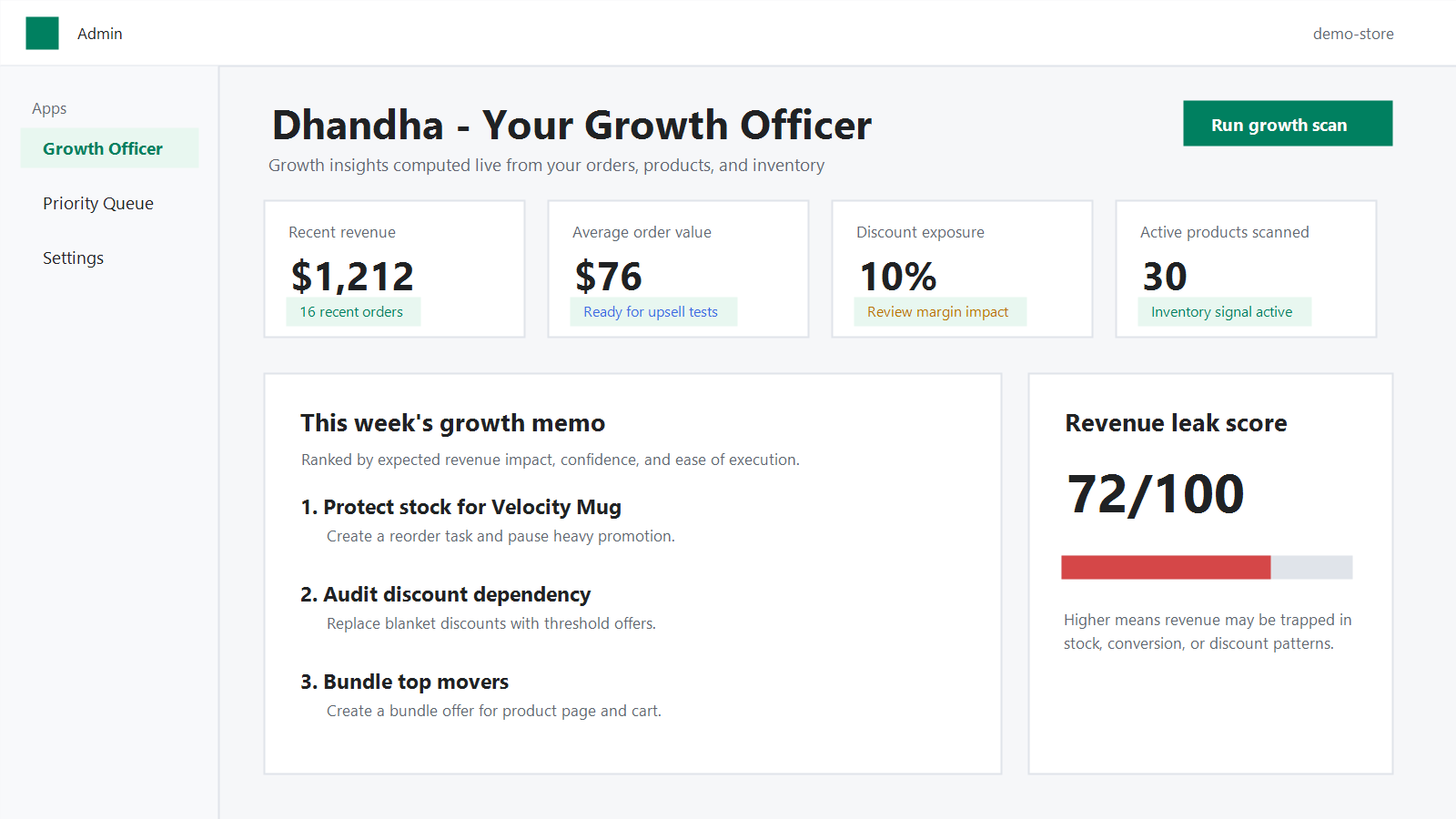
Check the exact variant and inventory state
Open Products > Inventory in Shopify and select the variant and location involved. Compare Available, Committed, Unavailable and Incoming separately. Shopify defines Available as sellable stock not committed or set aside; Incoming has not become available simply because a transfer was created. Do not add incoming or damaged units to a promise of immediate dispatch.
Check the inventory movement and the time of the order. A location can have stock today yet have been out of stock when routing assigned an earlier order. Note the timestamp, source location, destination and units for each exception.
Review fulfillment eligibility and routing before moving stock
A second location's units do not automatically solve a warehouse shortage. Shopify routes online orders using available inventory and configured order-routing rules. A location excluded from online fulfillment or a destination shipping zone may not be eligible; a rule can also choose another eligible location or split an order. Inspect Settings > Locations and Settings > Shipping and delivery > Order routing for the actual configuration.
If the order is already assigned, inspect that order's fulfillment location and available options before changing it. Shopify notes that routing can assign an order to a location with insufficient stock even when another location has units; it does not prevent overselling. Correct the fulfillment plan rather than silently editing a count to make a dashboard look healthy.
Fictional two-location decision example
Illustrative only, not merchant results: variant A has 2 available units at North Warehouse and 16 at South Warehouse. North receives 3 orders per day; a further 8 units are marked Incoming there. The North ready-to-ship cover is about 0.7 days (2 divided by 3), not 3.3 days: the eight incoming units are not yet available. South's 16 units are not a guarantee that a North-assigned order will ship from South.
Before promising dispatch, the operator checks South's online fulfillment and destination zone, the order's current assignment, transfer lead time, and whether a safe transfer can arrive soon enough. Possible actions are a verified fulfillment reassignment, a timed transfer, a pause on promotion or an honest revised delivery promise. Record which option was checked, who owns it and when to review again.
Build a weekly exception queue, not a false global stock number
Dhandha ranks actions from Shopify order, product and inventory signals. It is a review queue, not an automatic transfer, a replacement for Shopify's routing configuration or a promise of demand. Verify location eligibility, inventory state and actual fulfillment options in Shopify before taking any consequential action.
- For each variant and relevant location, record Available units, recent location-level demand, realistic days of cover, supplier or inter-location transfer time, and any planned promotion.
- Flag a shortage when available cover is shorter than the time required to replenish that eligible location; verify demand and seasonality before treating this as a purchasing forecast.
- Check routing, shipping-zone and transfer constraints; assign one action, owner and review date. Recheck after a received transfer instead of counting it early.
- Use a store's own delivery and margin evidence to choose between transfer, reassignment, substitution or reduced promotion. Never claim that a recommendation itself prevents a stockout.
Sources and definitions
- Shopify Help Center: Understanding inventory states, checked September 25, 2026
- Shopify Help Center: Setting up order fulfillment for locations, checked September 25, 2026
- Shopify Help Center: Troubleshooting order routing, checked September 25, 2026
- Shopify Help Center: Creating and processing transfers, checked September 25, 2026
Related Shopify resources
Frequently asked questions
Does incoming inventory count as available to sell?
No. Shopify says incoming inventory is not available to sell until received and moved to Available. Keep it out of immediate-ship estimates; check transfer status and receipt before revising customer promises.
Will another location's stock always fulfill an online order?
No. Fulfillment eligibility, shipping zones, order-routing rules and inventory at order time affect assignment. Check the individual order and the configured locations; Shopify says routing can sometimes choose a location with insufficient stock.
Should I edit the inventory count to fix a routing shortage?
Not unless a physical count proves the recorded quantity wrong. A routing, shipping-zone or transfer issue needs its own correction. An unsupported count adjustment conceals the shortage and can cause another incorrect customer promise.